Top 10 YouTube Thumbnail Tools Every Creator Needs in 2026
Your video can be the most brilliant piece of content ever created, but if the thumbnail fails to stop the scroll, it might as well be invisible. In 2026, AI-powered thumbnail tools aren’t just nice-to-haves—they’re essential for cutting through the noise. According to YouTube’s Creator Academy, channels that actively optimize thumbnails report Click-Through Rates (CTR) between 6% and 10%, compared to a platform average of just 2-3% .
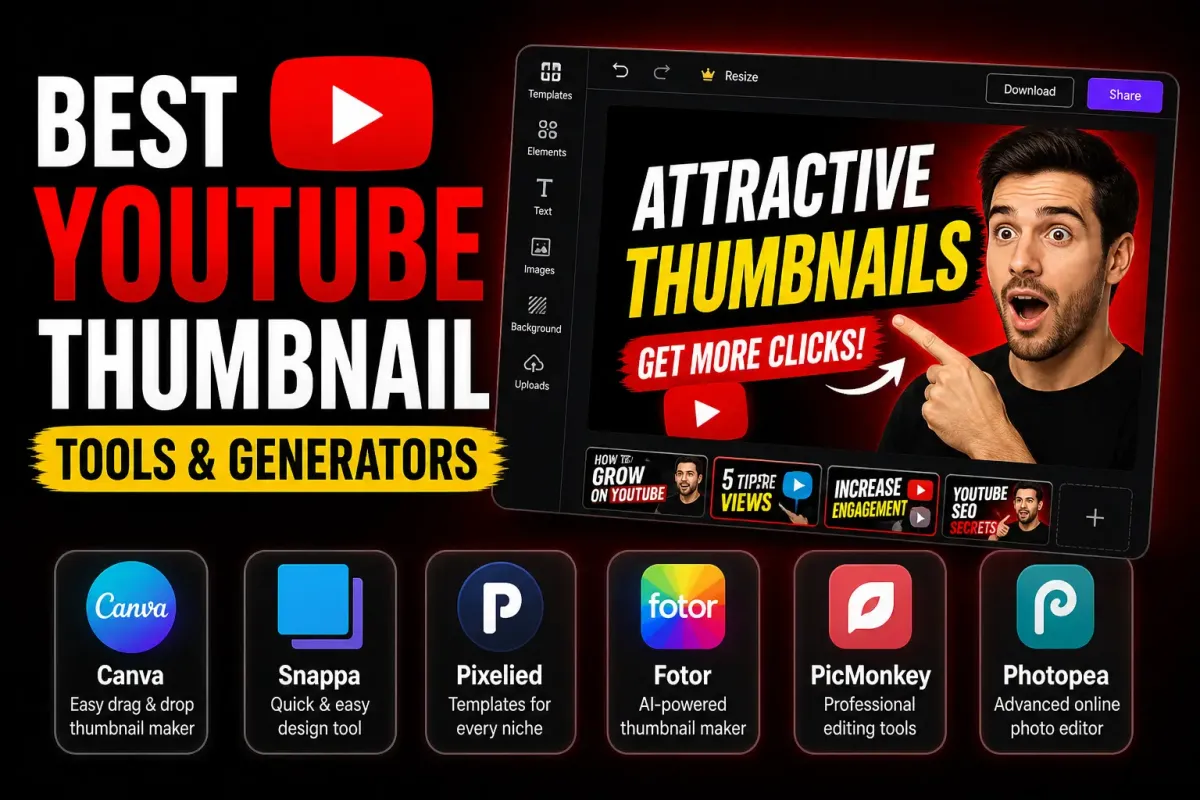
To help you win the click, we’ve curated a list of the Top 10 YouTube Thumbnail Tools for 2026. From all-in-one design suites to hyper-specialized AI engines, here are the best resources for every type of creator.
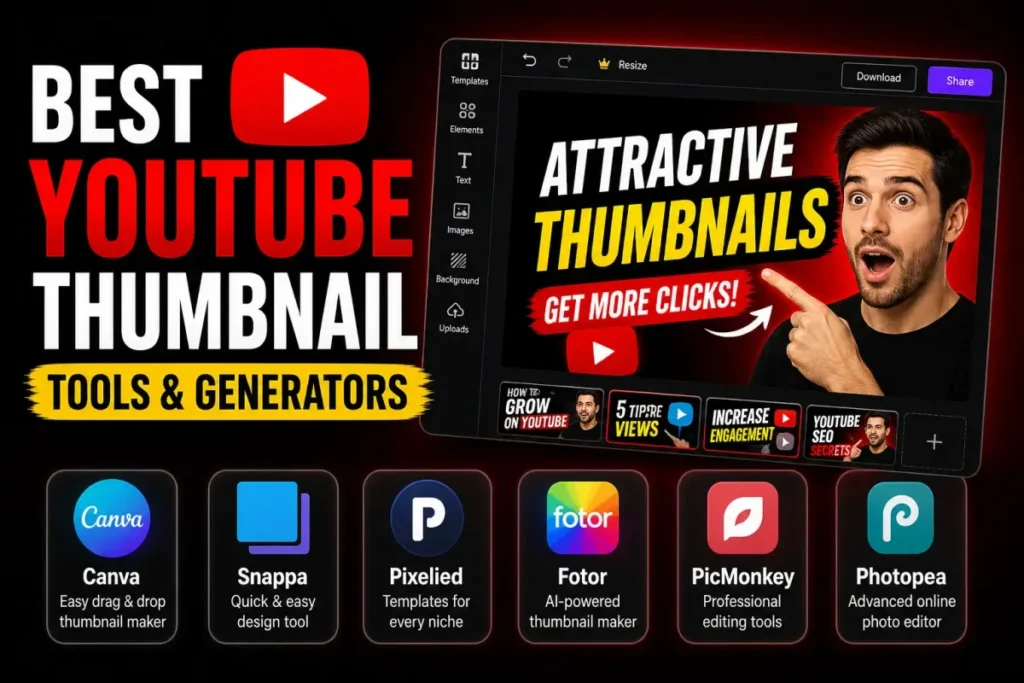
1. Canva – The Best All-Rounder & Template King
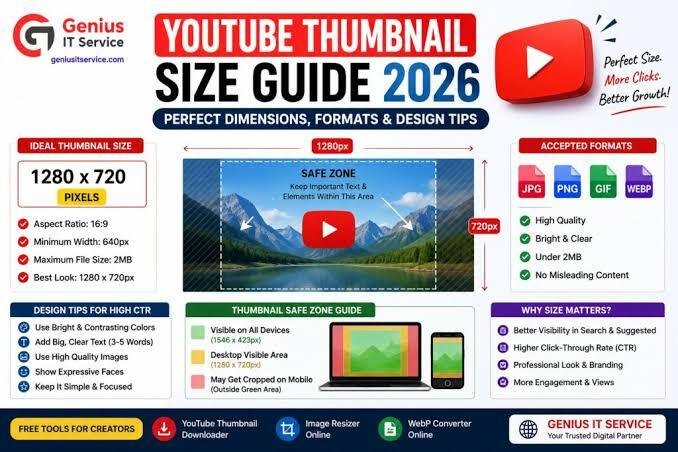
Canva remains the undisputed champion for accessibility and versatility. It integrates AI tools like Magic Media and Dream Lab directly into a massive design environment . With thousands of YouTube thumbnail templates, a Brand Kit, and an intuitive drag-and-drop editor, you can generate images, overlay text, and export at 1280×720 in one place.
- Best for: Creators who want speed, control, and ready-to-use templates without a steep learning curve.
- Key Feature: Magic Studio AI for background removal and text-to-image generation .
2. Adobe Express – The Polish & Branding Specialist
If you want cleaner typography and a more professional look out of the box, Adobe Express is your tool. Powered by Adobe Firefly, it allows you to generate thumbnails from prompts (costing one generative credit per 4 options) and offers deep integration with the Adobe ecosystem . It ensures your branding stays consistent and refined.
- Best for: Brand-sensitive channels and creators already using Adobe products.
- Key Feature: High-fidelity Firefly AI generation and refined typography .
3. CapCut – The All-in-One AI Workflow
CapCut excels as a practical tool that combines image generation, editing, and templates in one workflow. You can describe a concept, generate multiple directions, and refine the result without jumping across platforms. It supports advanced models like Seedream 5.0 and offers generous daily free usage .
- Best for: Solo YouTubers who want a smooth bridge between concept and polished thumbnail.
- Key Feature: Conversational AI workflow with prompt-based poster generation .
4. Thumbs.ai – The Data-Driven Psychology Engine
Thumbs.ai is laser-focused on the psychology of the click. Its standout feature is a style extraction engine that analyzes a channel’s visual DNA from a URL. It also features a robust library of 15+ facial expressions (Shocked, Hype, Curious) to maximize engagement, and it offers batch generation (up to 6 variants) for A/B testing .
- Best for: Solo creators publishing frequently who need a fast, repeatable workflow.
- Key Feature: URL-based style extraction and facial expression library .
5. Pixlr – The Design-Flexible Middle Ground
Pixlr is a veteran in the editing space, but its dedicated YouTube thumbnail maker is a hybrid. It starts from human design and uses AI to accelerate it. With hundreds of designer-made templates and full layer-based editing, it gives granular control over the final output .
- Best for: Creators with some design background or small teams managing consistent visual branding.
- Key Feature: Extensive template library organized by niche and powerful layer controls .
6. ThumbMagic – The Speed-First Generator
Designed for high-volume creators, ThumbMagic optimizes for speed. Its prompt-to-thumbnail generation pipeline is incredibly fast, utilizing category-based visual presets (Reaction, Tutorial, Gaming) that encode the visual conventions of each content type . It removes the friction from the design process.
- Best for: Faceless channels or creators who need to clear a thumbnail backlog quickly.
- Key Feature: Fast generation pipeline and pre-encoded style presets .
7. Leonardo.ai – The Cinematic & Stylized Expert
When you need a thumbnail that looks like a movie poster, Leonardo.ai is a top choice. Favored by gaming and storytelling channels, it offers detailed control over style, lighting, and composition. It generates unique, cinematic visuals rather than stock-like assets .
- Best for: Creators who need highly stylized, cinematic, or fantasy-inspired thumbnails.
- Key Feature: Advanced style and composition controls for unique visuals .
8. StreamYard – The Live-Streaming Native Tool
If you’re a live streamer, StreamYard’s built-in AI thumbnail creator is a game-changer. It processes images locally in your browser for privacy and speed, allowing you to create a thumbnail while scheduling your stream. You can upload a still or use your profile photo, and the AI handles background removal and layout instantly .
- Best for: Live streamers who want to reduce tabs and subscriptions.
- Key Feature: In-browser AI processing attached directly to the broadcast schedule .
9. Pikzels – The Hyper-Realistic Face Generator
Pikzels specializes in generating hyper-realistic faces and expressive reactions. It is crucial for CTR in many niches, allowing users to define demographic details and emotional states (shock, excitement, curiosity) without relying on personal photos. This is ideal for faceless or semi-anonymous channels .
- Best for: Faceless creators or those needing specific, high-quality emotional expressions.
- Key Feature: Demographic and emotional state control for face generation .
10. Thumbfa.st – The Consistency & Identity Savior
Thumbfa.st focuses on maintaining a consistent on-camera identity. You upload a photo once to create a “Person” profile, ensuring your exact likeness appears in every thumbnail. It also generates up to four variations at once to facilitate quick iteration and A/B testing .
- Best for: Creators who want to ensure their face remains identical and on-brand across all videos.
- Key Feature: “Person” profile for consistent facial likeness and URL inspiration referencing .
FAQ: YouTube Thumbnail Tools in 2026
1. What is the best all-around YouTube thumbnail maker in 2026?
Canva remains the safest and most versatile choice due to its vast template library, AI integration (Magic Media), and ease of use. It covers almost every niche and requires no design skills .
2. Are AI thumbnail generators better than templates?
It depends on your workflow. AI-First tools (like Thumbs.ai or Leonardo) are great for generating fresh concepts and overcoming creative block. Template-based tools (like Canva or VistaCreate) offer predictable control and are better for maintaining consistent branding across series . Most creators benefit from a hybrid workflow .
3. How do I get hyper-realistic faces if I don’t want to show my own face?
Pikzels is the best tool for this scenario. It allows you to generate hyper-realistic faces and specific emotional expressions—like shock or excitement—using demographic prompts rather than your personal photos .
4. What is the best tool for live streaming thumbnails?
StreamYard excels here. It allows you to create AI thumbnails natively when scheduling your stream, so you don’t have to juggle separate apps or export images. The AI processes locally in your browser for speed and privacy .
5. How much do these AI thumbnail tools usually cost?
Pricing ranges widely:
- Free/Limited: Canva (Free tier), CapCut (Generous daily free usage), StreamYard (available on all plans) .
- Subscription/Paid: Thumbs.ai starts around $19/month, Adobe Express has a Premium plan for $9.99/month (with credits), and others like ThumbGenix operate on a credit system (e.g., $10 for 200 credits) .
6. Which tool offers the best A/B testing features?
Thumbs.ai and Thumbfa.st stand out for testing. They allow you to generate up to 4-6 variants in a single batch, which is essential for experimenting with different visuals to see what drives the best CTR with your audience .