Canva vs Photoshop vs AI Tools Best Thumbnail Designers Compared 2026
The battle for the best thumbnail design tool has evolved beyond the traditional showdown between Canva and Photoshop. In 2026, a new wave of AI-powered tools has entered the ring, promising speed and automation that once required hours of manual effort.
Whether you’re a YouTube creator, social media manager, or marketer, the tool you choose directly impacts your workflow, quality, and—ultimately—your click-through rates. This guide cuts through the noise to compare the three main contenders.
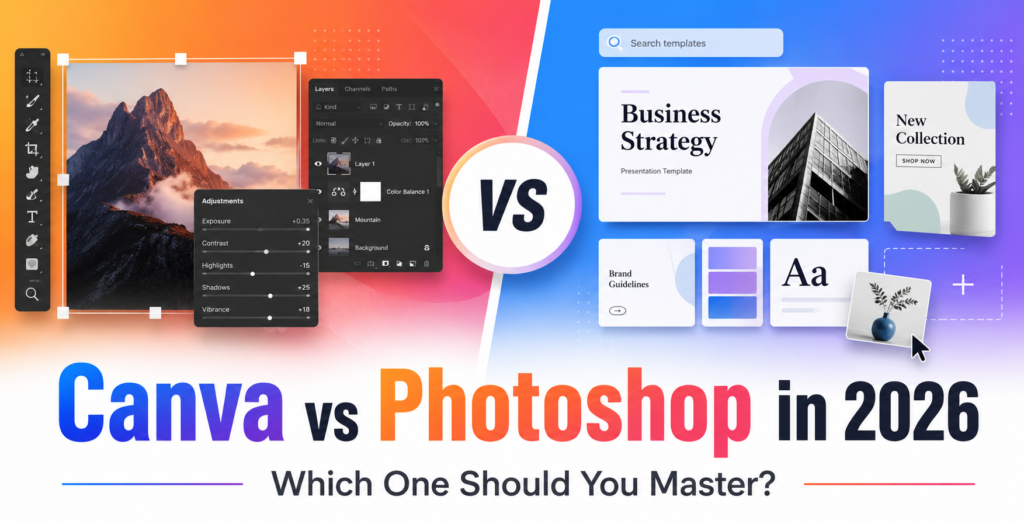
The Heavyweight Contenders A Quick Overview
Before diving into the details, let’s establish what each tool brings to the table.
- Canva is the accessible all-rounder. It’s a web-based design platform designed for speed and ease of use, making professional-looking graphics available to anyone—even without design training . It shines in social media and marketing contexts with its massive template library and integrated AI features .
- Adobe Photoshop is the professional powerhouse and industry standard for image editing. It offers unparalleled precision and control down to the pixel level, making it the go-to for photographers, graphic designers, and studios requiring high-quality output and complex retouching .
- AI-First Tools are the new speed specialists. This broad category includes a mix of platforms—from AI-powered apps like Adobe Express and Canva’s Magic Studio to specialized tools like Thumbs.ai, Pixlr, and CapCut. They use artificial intelligence to generate concepts, remove backgrounds, create faces, or build complete thumbnails from simple text prompts .
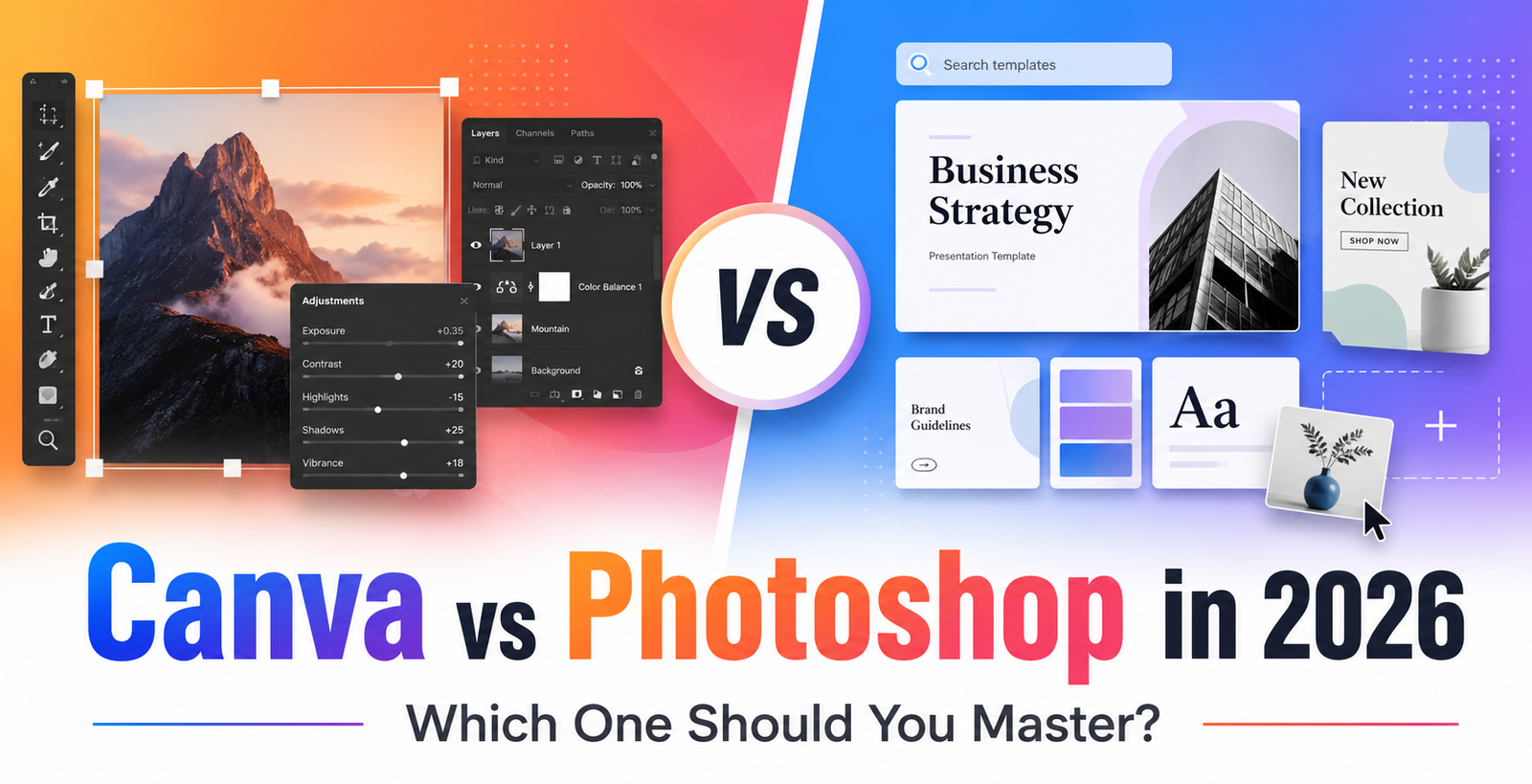
Canva vs Photoshop: The Classic Showdown
Understanding the core differences between Canva and Photoshop is essential, as these two set the standard for accessibility and power.
Ease of Use and Interface
Canva is famously intuitive. Its drag-and-drop interface, pre-made templates, and organized menus mean beginners can produce a design within minutes . In contrast, Photoshop is powerful but complex, with a steep learning curve that can require months or even years to truly master . As one review noted, “Canva wins” in ease-of-use, largely because it is a “much less sophisticated platform” .
Templates and Customization
When it comes to templates, Canva is the clear winner. It offers millions of professionally designed templates, making it incredibly fast to start a project . Photoshop provides next to no out-of-the-box templates, requiring users to build from scratch or purchase premium options .
However, in terms of customization, Photoshop is unbeatable. Its layer-based editing, advanced brush tools, and precise controls allow for intricate, unique designs . Canva’s customization is limited by its template-based approach, making it harder to create designs that are truly unique .
AI Capabilities
Both platforms have integrated AI, but with different strengths. Photoshop’s Adobe Firefly excels in precision and high-quality output. Its Generative Fill and Expand features produce photorealistic results, making it ideal for professional retouching . Canva’s Magic Studio, on the other hand, focuses on speed and practicality. While its results may be less polished, it executes tasks like removing a background or expanding an image almost instantly .
Pricing
This is a major differentiator. Canva is far more affordable, with a generous free plan and a low-cost Pro subscription . Photoshop is more expensive and requires a monthly Adobe Creative Cloud subscription, representing a significant investment, especially for individuals or small teams .
| Feature | Canva | Adobe Photoshop |
|---|---|---|
| Ease of Use | Excellent; beginner-friendly | Steep learning curve; requires training |
| Templates | 3.6+ million templates available | Minimal out-of-the-box templates |
| Customization | Moderate; template-based limits | Unparalleled; pixel-level control |
| AI Capabilities | Fast, practical, integrated (Magic Studio) | Powerful, precise (Adobe Firefly) |
| Pricing | Affordable; free and low-cost Pro plans | Premium; monthly subscription required |
The Verdict: For beginners, social media managers, and those seeking a fast, efficient workflow, Canva is the superior choice. For professional designers, photographers, and studios requiring the highest level of precision and output quality, Photoshop remains the industry standard .
The New Wave: AI-Powered Thumbnail Tools
The rise of AI has created a new category of tools designed specifically for speed and automation. These can be a powerful complement to Canva and Photoshop.
AI-First Niche Tools
Several tools are laser-focused on the thumbnail creation process. Thumbs.ai, for example, is built specifically for YouTube. It can extract the visual style from a channel URL and offers a library of facial expressions to optimize for clicks . Pixlr offers a middle ground, combining a large template library with AI-assisted editing for more control . ThumbMagic prioritizes raw speed, generating multiple “good enough” thumbnails from a simple prompt to help creators clear a backlog quickly .
AI as an Assistant
The most effective strategy for many is to use AI as a complement to their primary design tool. Adobe Express and Canva both integrate AI features that allow for quick generation of backgrounds or scenes . StreamYard, a live-streaming platform, now includes an AI thumbnail creator that lets you generate an image directly within your scheduling workflow, reducing the need to switch between apps .
The ‘Sea of Sameness’ Problem
While AI tools democratize design, they come with a significant warning: a “sea of sameness.” As these tools become more widespread, many thumbnails start to look identical—professionally designed, yet “strangely hollow” . Over-reliance on AI can make your content blend in rather than stand out.
The Hybrid Approach: The Best of All Worlds
In 2026, the most successful creators are not choosing just one tool. They are adopting a hybrid workflow that leverages the strengths of each.
- Ideation and Backgrounds with AI: Use a tool like Midjourney, Leonardo AI, or Pikzels to generate unique background scenes or expressive, hyper-realistic faces that fit your video’s hook .
- Assembly and Branding with Canva: Import the AI-generated image into Canva. Use its template system to add your logo, brand colors, bold text, and any other graphic elements using a consistent layout . Canva’s intuitive interface makes this step fast and simple.
- Polishing with Photoshop: If you need to make a major retouch to an image or you’re creating a high-value, one-off graphic, use Photoshop for its superior editing capabilities . For most daily content, the AI and Canva workflow will suffice.
As one creator put it, AI tools are best as a “sidekick for ideas and base images,” while Canva is for the final polish .
Which Tool Is Right For You?
Choosing the “best” tool depends entirely on your needs, skills, and workflow.
- Choose Canva if: You are a beginner, social media manager, or solo creator who needs to produce high-volume, on-brand graphics quickly and without a design background .
- Choose Photoshop if: You are a professional designer, photographer, or part of a large studio that requires pixel-perfect control, complex retouching, and high-resolution print output .
- Choose AI Tools if: You want to supercharge your workflow. Use them for rapid ideation, generating background scenes, and automating repetitive tasks like background removal to save valuable time .
Conclusion
There’s no single “best” thumbnail designer, only the best one for your specific workflow . Canva excels in accessibility and speed, Photoshop in power and precision, and AI tools in automation and ideation.
The most effective approach in 2026 is often a hybrid one: use AI to generate concepts and assets, assemble and brand them in Canva, and save Photoshop for the projects that demand its unrivaled power. By understanding the strengths of each, you can build a workflow that is fast, high-quality, and uniquely yours.
FAQ
1. Is Canva better than Photoshop for making thumbnails?
It depends on your goal. Canva is better for speed, ease of use, and leveraging templates. Photoshop is better for ultimate control, advanced photo editing, and professional-quality output. For most non-professionals creating social thumbnails, Canva is often the more efficient choice .
2. Are AI thumbnail makers worth using?
Yes, but as a tool in your arsenal, not a replacement for your creative judgment. They are excellent for generating ideas, creating backgrounds, and saving time on repetitive tasks. However, over-reliance on them can lead to generic-looking thumbnails that lack the human touch and storytelling that make your content stand out .
3. Can I use AI tools with Canva or Photoshop?
Absolutely. Canva’s “Magic Studio” is fully integrated with its platform, allowing you to generate and edit images directly within your designs . Adobe Photoshop’s “Firefly” AI is embedded in the software for powerful retouching and image manipulation . You can also generate images in standalone tools like Midjourney and import them into either program .
4. What is the fastest way to create a thumbnail?
For pure speed, a dedicated AI-first tool like ThumbMagic or the integrated creator in StreamYard can produce a thumbnail from a prompt in under a minute . For a balance of speed and control, using a template in Canva is often the quickest path to a polished final image .